014: Digital Time capsule
1. Introduction
I have been making websites since high school in the late 90s. I learnt to write HTML code on my father’s old laptop (I even retrieved the tutorial I followed). I created my first page on Geocities (I sadly lost my Neighbourhood ID).
I’m telling you here about a time that those under twenty cannot know—no CMS. No frameworks. No CSS. No responsive design. No Javascript bullshit :-) We were literally writing HTML code with Notepad and uploading files one by one using FTP.
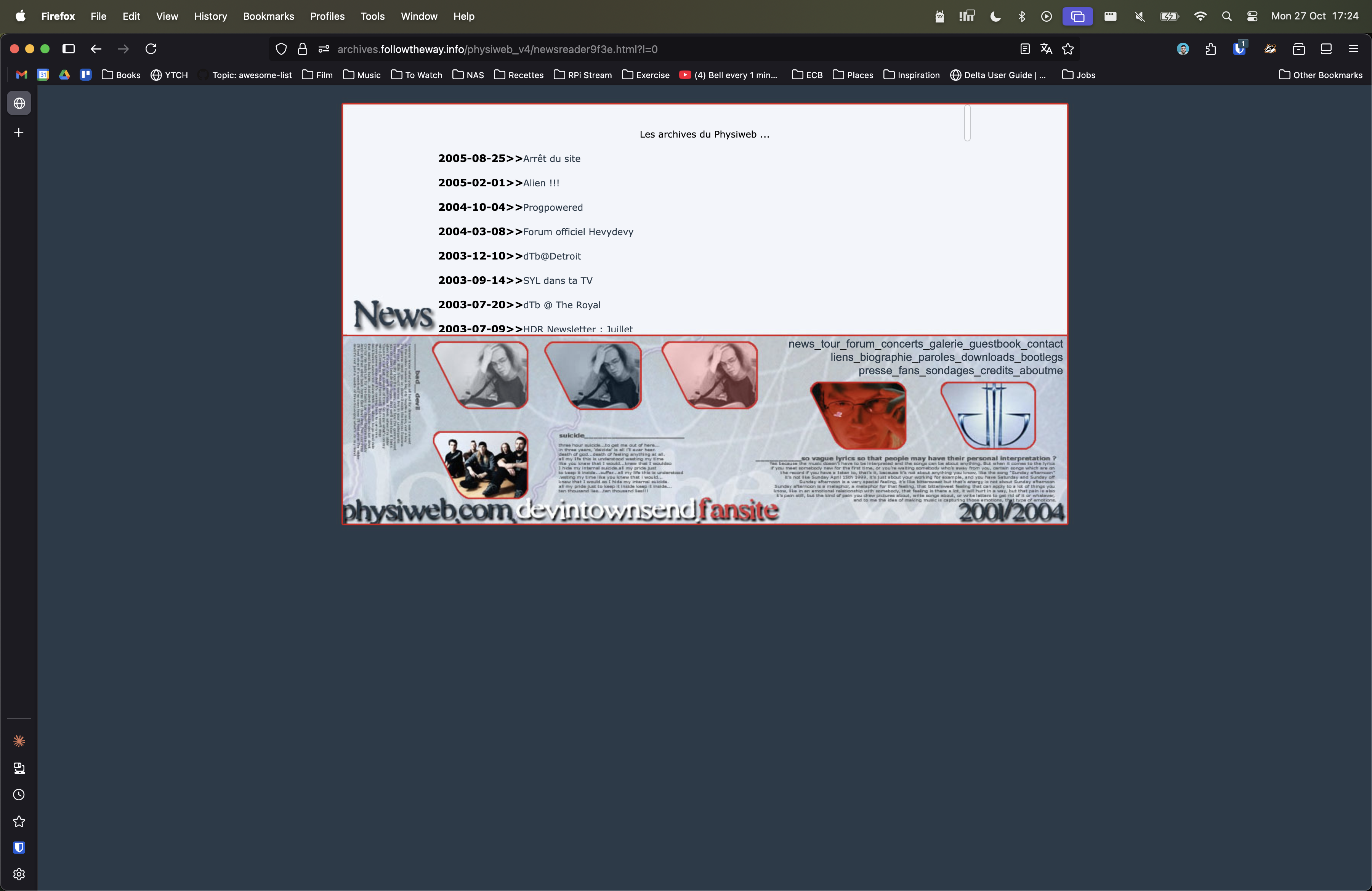
I continued at university and started building some fan sites for the heavy metal bands I was following. That’s when I also learned PHP and MySQL. Big shoutout to Free.fr (the French ISP that provided 100Mb storage hosting with a MySQL database for free—unheard of at the time).
I then focused most of my studies and projects on learning and improving my skills to land my first job as a web developer.
2. The Archaeological Dig: Technical Process
The main issue is that I lost most of my backups due to a hard drive crash in 2007 (in the pre-cloud-backups era).
My most recent websites were still living on an old web hosting service, but anything pre-2004 is definitely gone. So for this exercise to be interesting,
I would definitely have to retrieve them from the Wayback Machine (WBM). Finally having some time off in between jobs, I finally rolled up my sleeves.
I used a Ruby CLI tool with a bit of elbow grease to get the raw files from the WBM API.
Once the downloads complete, you will have a folder with all the raw files in timestamp-formatted folders. A small bash script helps you to merge all files into a single root folder.
All your files will be named as served by the original website (in my case filename.php?id_news=1234, or, worst, index.php3?lang=1), so I renamed all the files to .html and updated the links in the matching files.
I started manually but quickly got bored, so thanks, Claude Code, for the work. UTF-8 wasn’t a thing in the early 2000s, so I also tried to correct as many broken special characters as possible.
I ended up with one folder per website, which I then uploaded to a GitHub repo that will serve the sites on GitHub Pages. I also backed up on my NAS for posterity.
That’s 13 folders, which you can browse in Section 5.
3. What I Unearthed: Discoveries and Limitations
The process has some limitations, which, I believe, are linked to WBM’s scraping mechanism.
My very first websites used iframes, and they weren’t very well supported (who would have thought so?).
Some pages were missing (not a lot), and some images as well (mostly the ones displayed in CSS, mainly the ones designed for popups in the 2003/4 era). But overall, I revived a substantial enough sample of my web development history, especially in my early years.
These archives are available online. I have warned you: they haven’t aged well :-).
4. Reflections: A Conversation with My Younger Self
Reviving these websites ended up being much more emotional than I imagined it to be :-) It brought the 20-year-old Thomas to my mind.
Learning something completely new (ie HTML) the hard way, with my browser and my Notepad. Creating a website for the carefree joy and pleasure of it, publishing it and sharing on music online forums for the complete fun of it and receiving emails from strangers. What seems now very normal was completely wild at the time.
Don’t get me wrong, I still enjoy writing code and building websites a lot (that’s why I work on side projects from time to time), but the sheer joy and excitement at that time was of a complete different magnitude to now. The Internet was an almost uncharted territory—a complete jump out of my (non-existent at the time) comfort zone.
A gentle reminder for 2025 Thomas to get work on some uncharted territory comfort zone as well. And create something he’s proud of, entirely out of disinterest. I shall dig out this AI project I worked on 2 years ago.
5. Experience It Yourself
To save you some time, I prepared a small TL;DR screenshot selection.
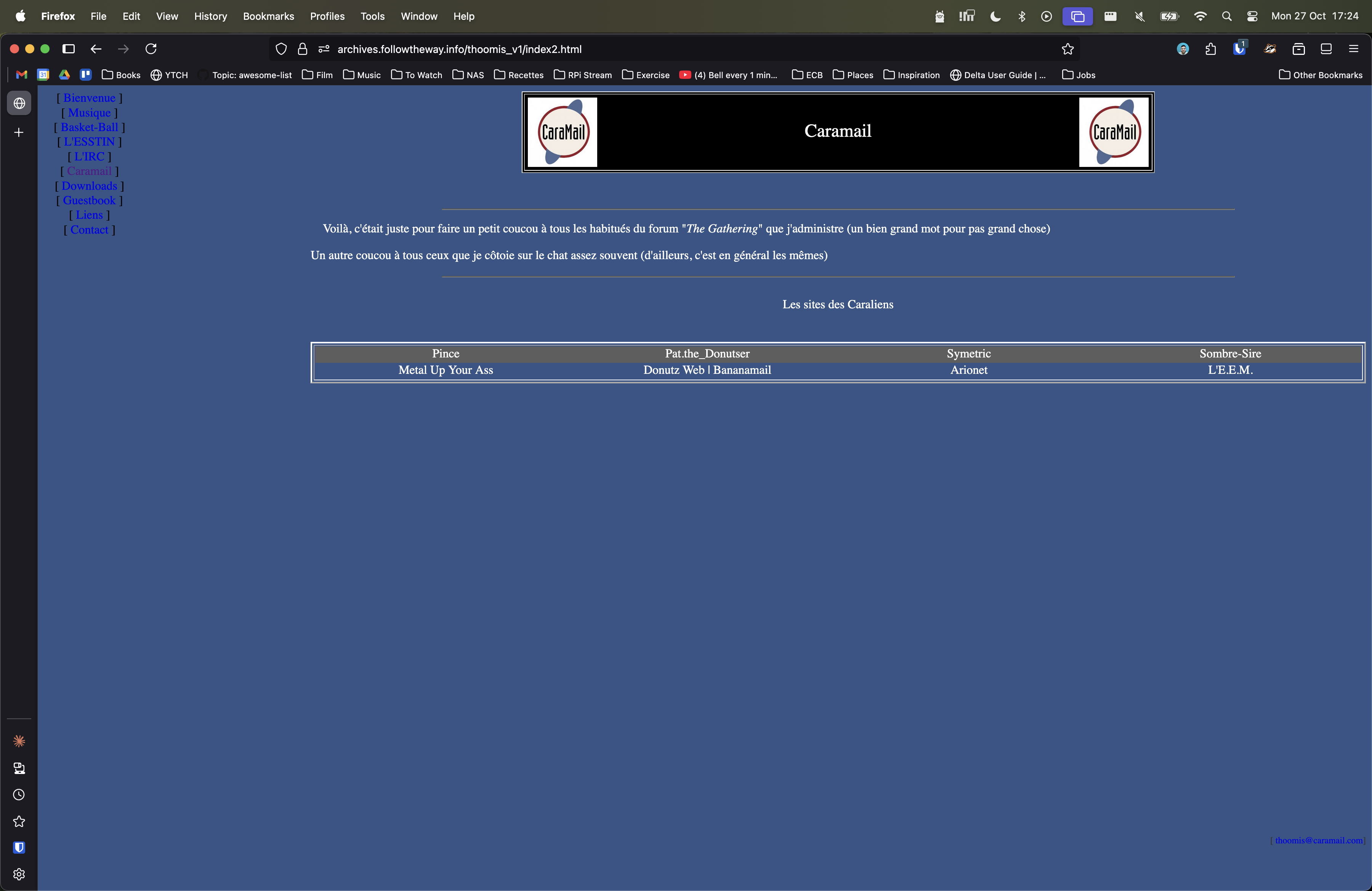
- Link #1, 2000: My 2nd website ever (after the lost Geocities mini site)
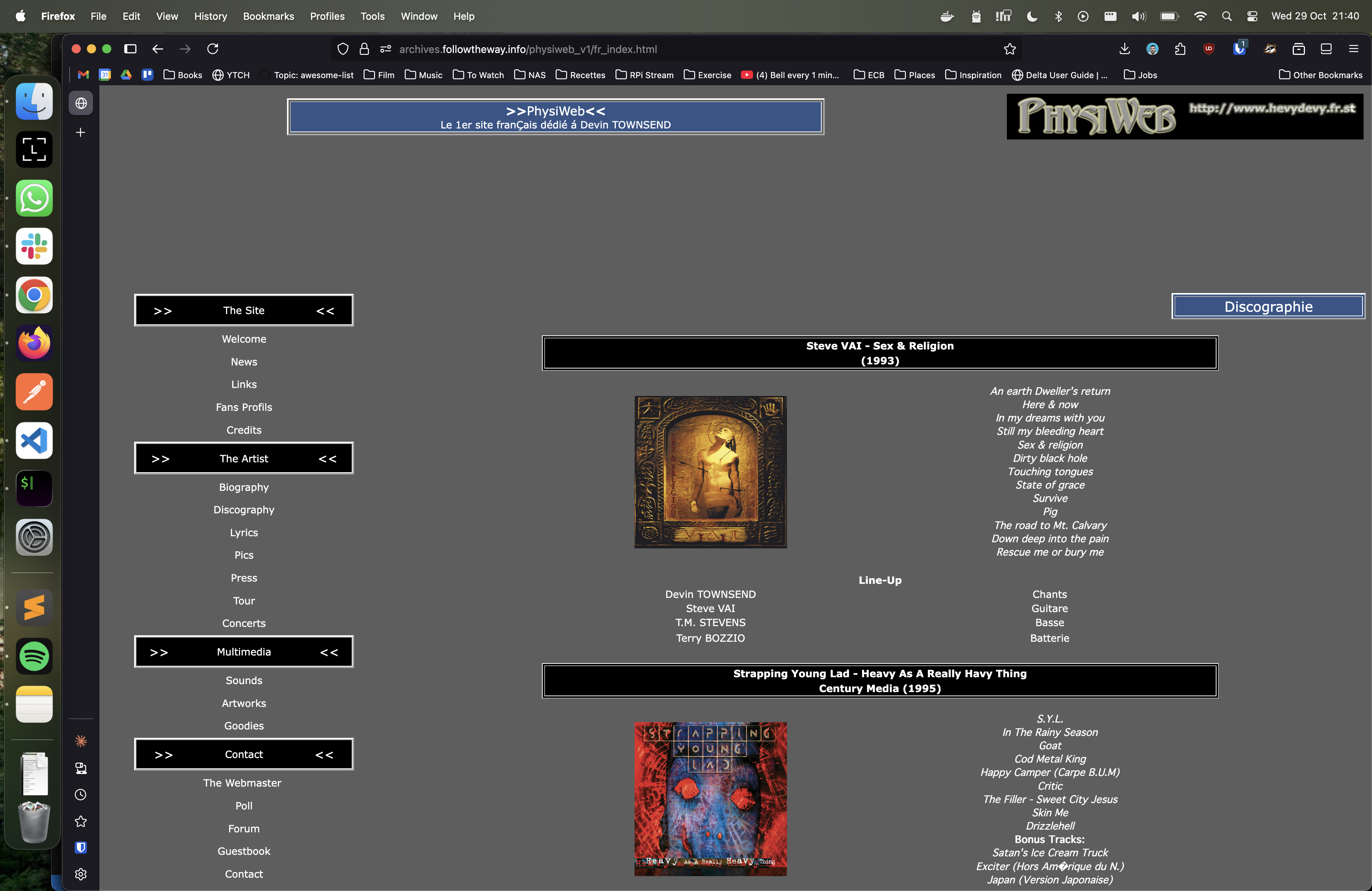
- Link #2, 2001:
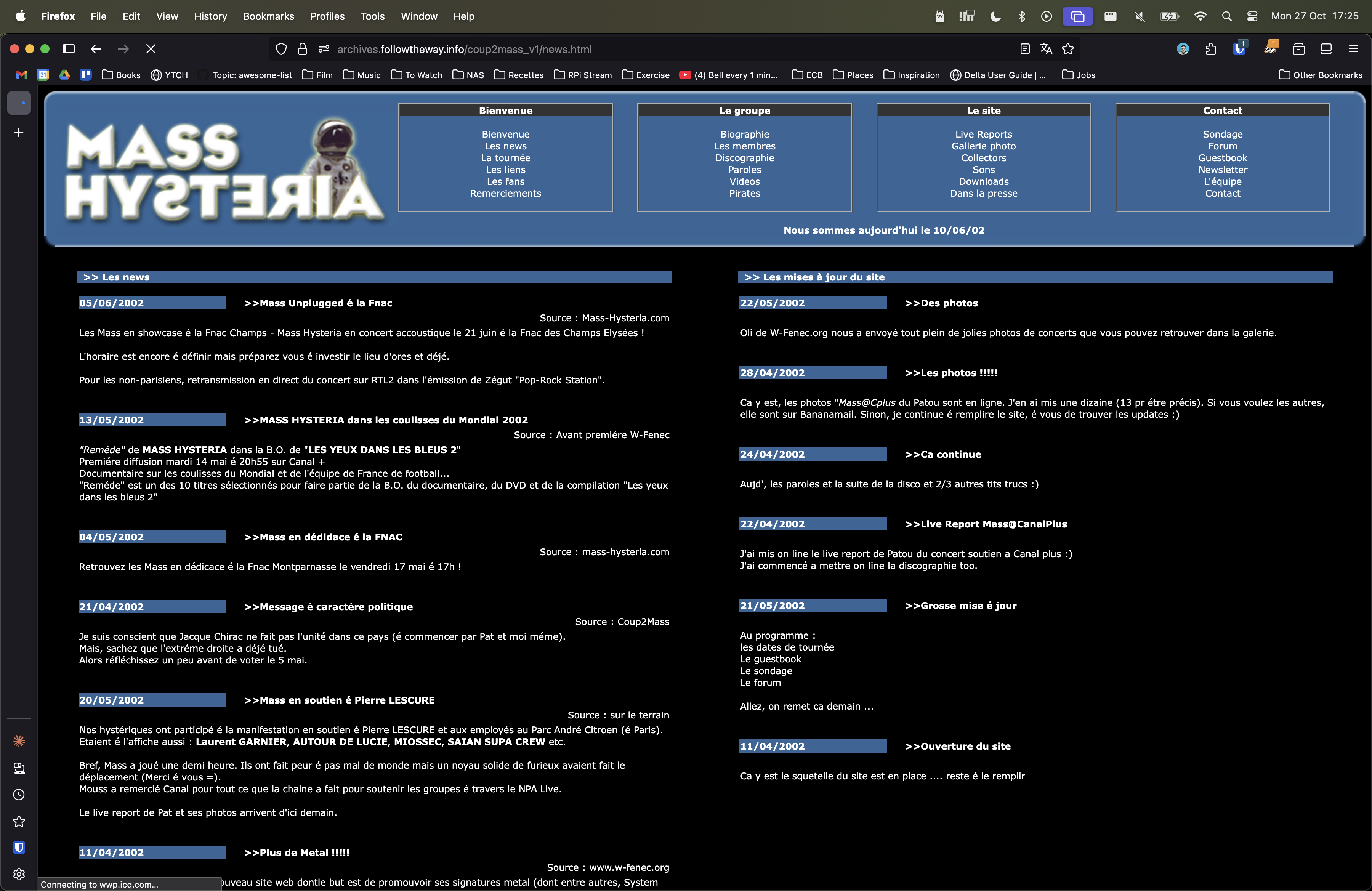
2001, My first fan site (Devin Townsend) - Link #3, 2002: Another fan site (Mass Hysteria)
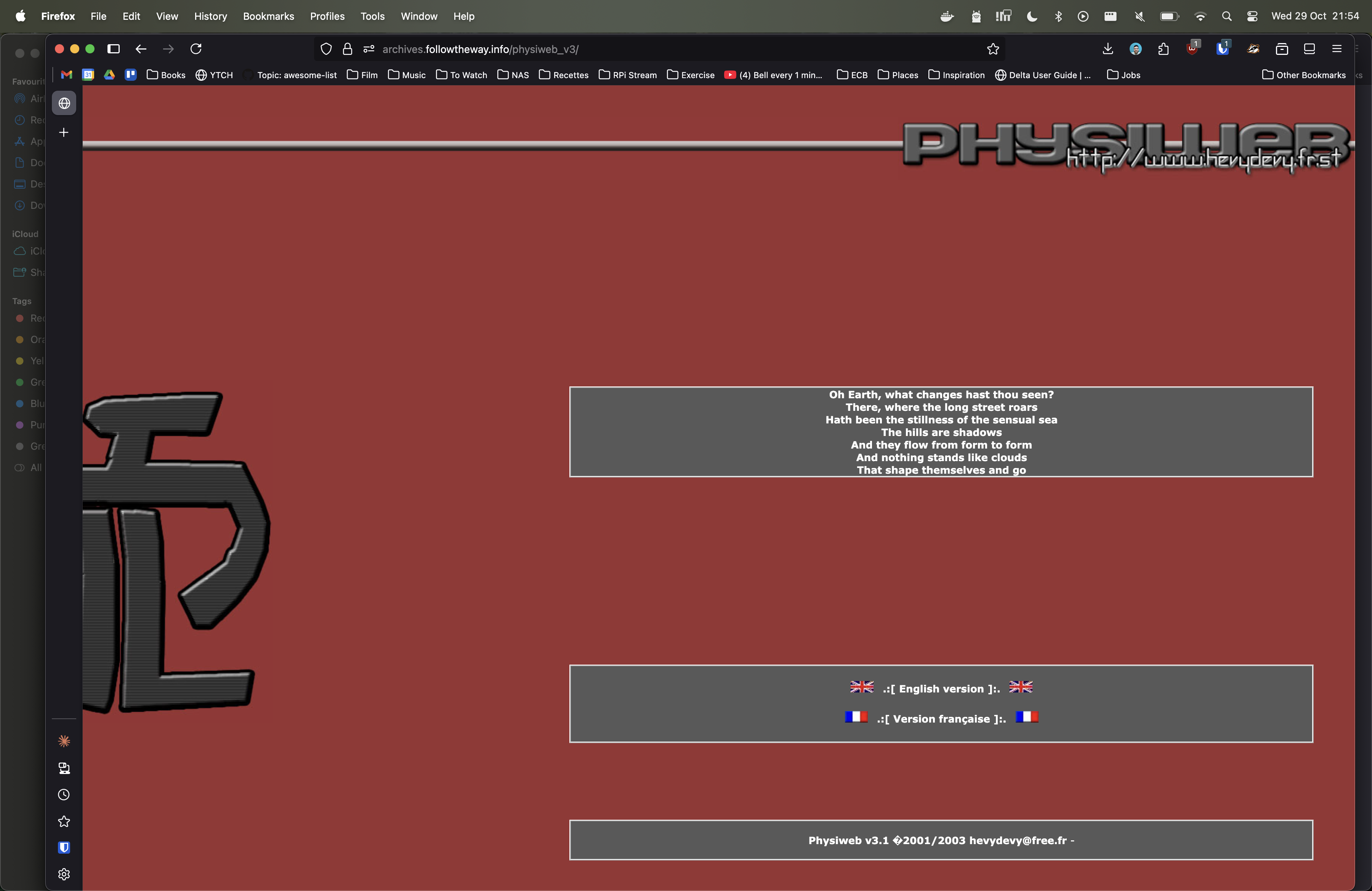
- Link #4, 2003: The third iteration of my Devin Townsend fansite.
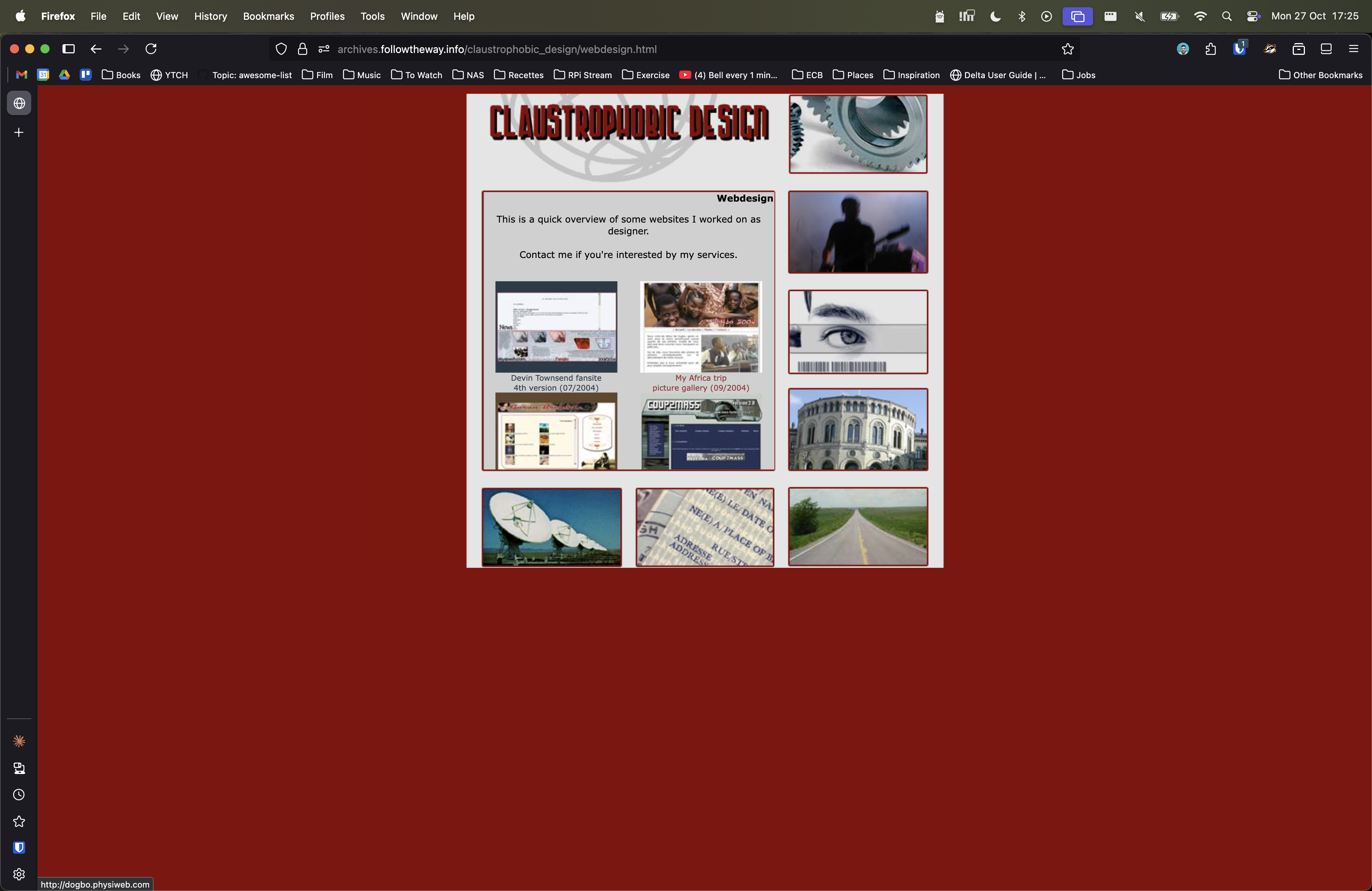
- Link #5, 2004: Probably one of the designs I’m the most proud of to this day :-).
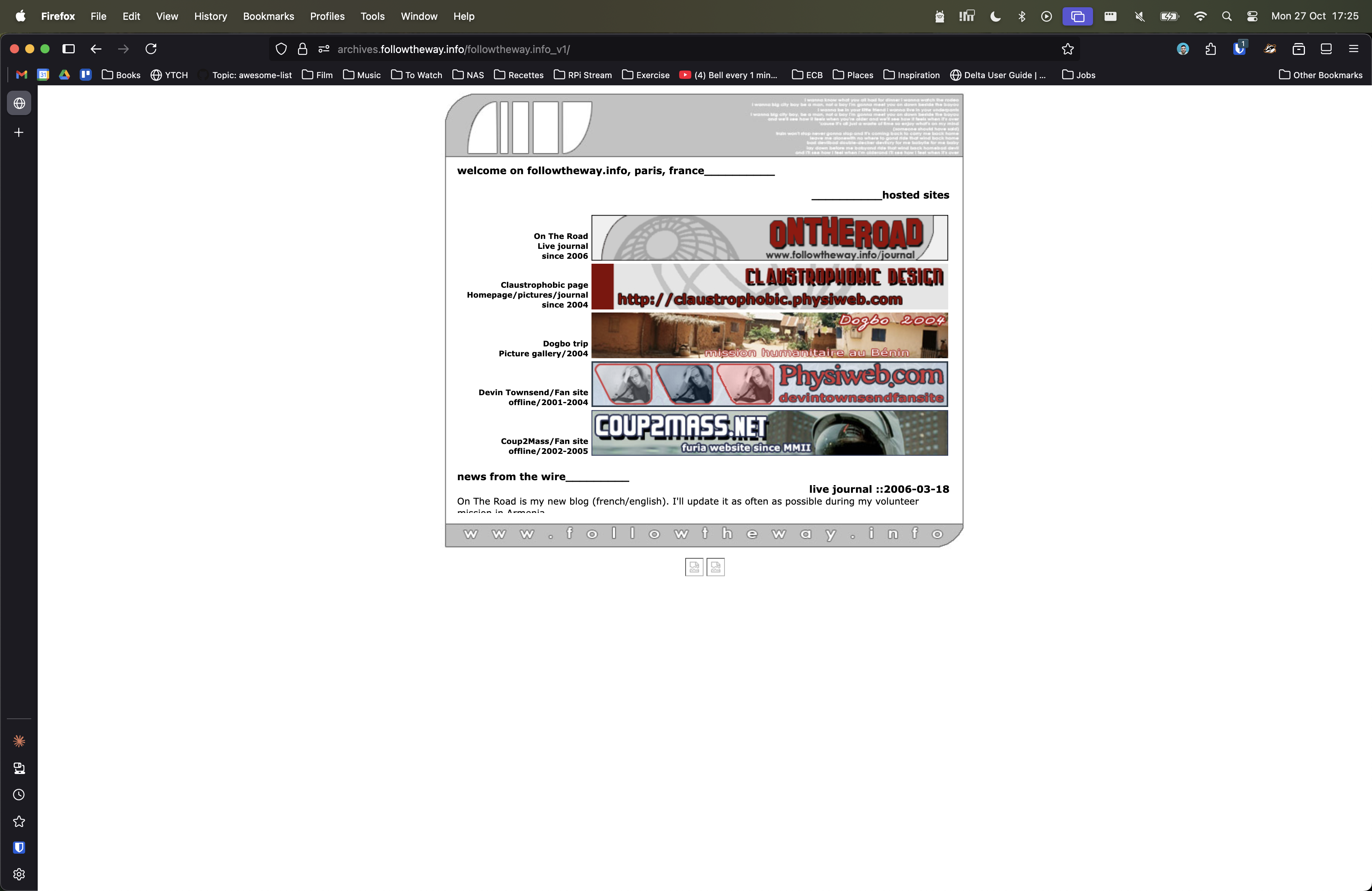
- Link #6, 2005: 1st personal homepage I’ve built.
- Link #7, 2006: 2nd personal homepage I’ve built.